
Making Tax Digital · Sole traders
Open Banking and screen scraping: understanding how a bank connection works
ONLY£15A MONTHBefore connecting financial software, understand how access is granted and what it permits.
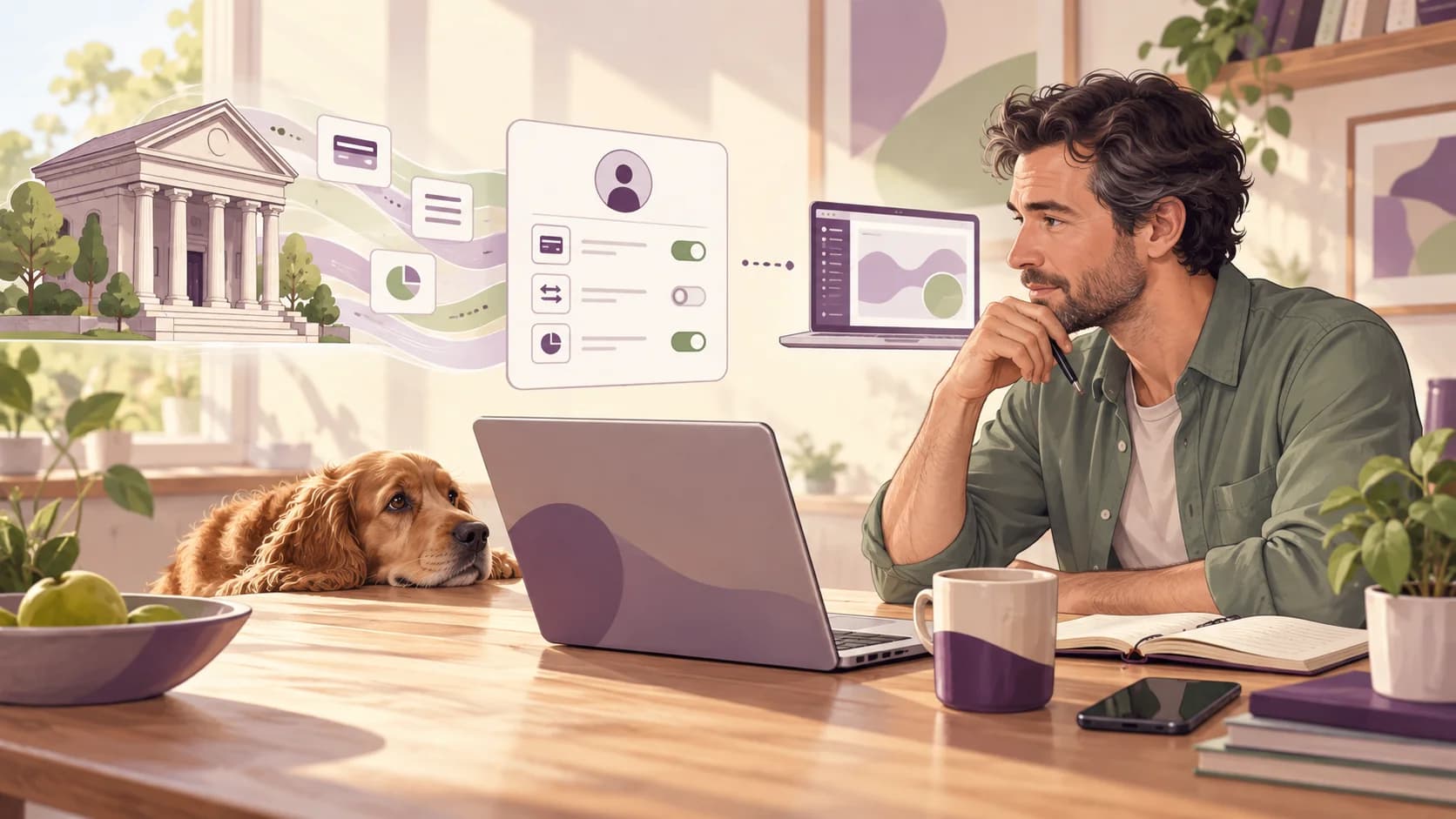
Before connecting financial software, understand how access is granted and what it permits. The useful questions concern the provider, the consent process and the scope of access. A security slogan on its own does not explain how your account information is protected.
Check the access method
Screen scraping generally describes collecting information from an online interface, while an Open Banking connection can use a bank-supported interface and a consent process. Implementations differ, so avoid assuming that every older connection behaves identically or that every modern one has the same controls.
The FCA's explanation of account-information and payment-initiation services distinguishes reading account information from initiating payments. Permission for the former does not itself authorise the latter. Open Banking as a whole includes both kinds of service under different permissions.
Read the consent rather than guessing
Check the named provider, selected accounts, information requested and how access can be withdrawn. Use the bank's genuine authorisation journey. An unexpected request to send credentials by email should be verified through an established support channel.
Avona identifies Finexer in its published service information. Confirm the current provider and permissions shown when you connect; product arrangements and the accounts supported can change over time.
Worked example: connecting one business account
A sole trader wants transaction information from a business current account. They check that the consent covers that account and the required information, then confirm the connection through the bank.
Afterwards, they check the imported date range. A properly authorised connection can still have incomplete historical coverage. Security of access and completeness of the bookkeeping are separate checks.
Share the information needed for the task
Tax records need to be useful without containing unnecessary personal detail. Keep payment references sufficient to reconcile the accounts, and hold sensitive client notes in the appropriate restricted system. Financial software should not become a second, informal store for clinical notes or identity documents.
Use individual accounts and the access controls available for the service. Remove access when a working relationship ends. A secure product can still be misused through shared sign-ins, forwarded access links or files sent to the wrong person.
For Open Banking, distinguish account-information access from payment initiation. Read the consent screen and check the authorised provider. Account-information permission does not itself authorise moving money, but Open Banking as a whole also includes separately authorised payment services. The FCA explains these different services.
If you need an assurance about encryption, hosting, retention or security testing, ask for the current documented answer. Terms such as “bank-grade” do not tell you which controls apply to a particular service. Choose a workflow whose permissions and responsibilities you understand, and protect the email or phone account used to recover access.
Keep the evidence connected to the figures
Your digital record should explain the amount, date and nature of the transaction. Keep the invoice, receipt, statement or other evidence that supports it. A photograph can make a paper document easier to retain, but a folder of photographs alone does not create complete transaction records.
For sole traders, HMRC normally requires business records to be kept for at least five years after the relevant 31 January filing deadline. Keep them longer where the rules for a late return, enquiry or other circumstances require it. Check the record-retention guidance.
Make the records usable by your future self. Include a short explanation where a bank description is vague, retain the calculation behind a business-use split and make corrections traceable. For a missing receipt, try the supplier account, email confirmation or a replacement invoice before relying on incomplete evidence.
At review time, compare your records with the bank or payment account and investigate differences. Equal totals are useful, but two errors can cancel each other out. A sample of individual transactions can reveal a duplicated purchase or an omitted customer receipt that a totals-only check misses.
Choose software by the work it needs to do
Start with your actual income sources and records. A sole trade, a UK property business and foreign property can involve different requirements. A product suitable for one set of circumstances is not automatically suitable for every annual-return item you might have.
HMRC's software guidance allows different approaches, including software connected to existing spreadsheets. Check the complete workflow: importing or recording transactions, reviewing the quarterly summary, submitting it, making corrections and completing the annual return.
Try a representative sample that includes a refund, a private transaction, a cash item and an awkward bank description. Ask how the system handles a missing period and how you export records if you leave. These questions are more informative than a long feature list.
Software support and professional tax advice are different services. Confirm who answers each kind of question, when help is available and what the quoted fee covers. Avona.app's entry-level self-service price is £15/month; professional services and additional product capabilities should be checked against the current scope rather than assumed to be included.
Keep control after connecting
Review active permissions periodically, remove access you no longer need and protect the email and phone used for recovery. Ask for documented answers where you need specific assurances about retention or encryption. Reconcile imported records rather than treating a connected status as proof that every transaction is present.
Take the next step
Avona.app offers a self-service route from £15/month. Bring your records together, review the figures and choose a workflow that fits your business. For professional help, discuss the scope and total price of Avona Concierge, managed by chartered accountants, before choosing a service.